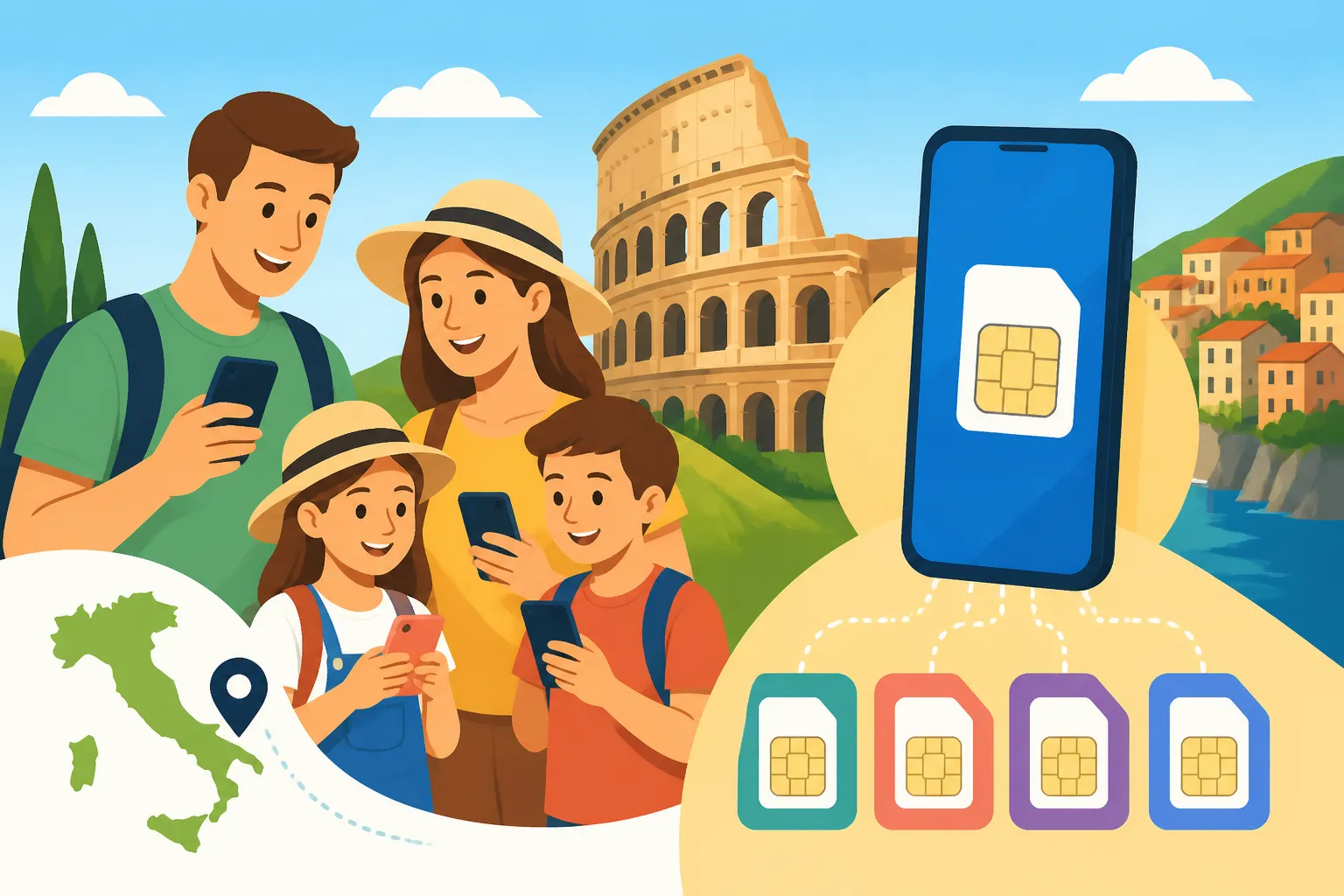
eSIM for a Family Trip to Italy: Cheapest Setup for Four Phones
Picture this: you land at Rome Fiumicino with your partner and two kids, and all four phones start hunting for signal at once. Someone needs the hotel address, someone else needs the train app, and the teenagers need Wi-Fi now. This guide shows you how to connect four phones in Italy for the least money, using Airalo eSIMs.
Disclosure: This post may contain affiliate links. We may earn a commission at no extra cost to you if you make a purchase through these links. Read full disclosure.
Why Four Phones Turn Italy Data Into a Budget Problem
I have lived in Italy long enough to have picked up dozens of visiting families from stations and airports. The same scene plays out almost every time. One parent is at the luggage belt reading a booking confirmation off a dying phone. The other is trying to work out whether the roaming text from their home carrier means a daily charge has just started. One teenager is walking in circles looking for an open network, and the youngest wants to know why the tablet won’t load anything.
Connectivity is easy for a solo traveller. You buy a plan and you are done. With four devices, every small decision is multiplied by four. That includes how much data to buy, which phones need their own line, and what happens when a child wanders off at the Trevi Fountain. A choice that costs very little for one person can quietly become one of the bigger line items in a family holiday budget.
The Real Cost of Leaving Everyone on Home Roaming
Most families start with the default: leave everyone’s home SIM in and let roaming take care of it. Whether that works depends a lot on where you live. If you come from an EU country, EU roaming rules generally let you use your home allowance in Italy without extra roaming charges, subject to your carrier’s fair-use policy. Many EU families can skip a travel eSIM entirely, or only need one for a heavy user.
Families from the UK, the US, Canada, Australia and beyond often face a different picture. Many carriers sell daily international passes, and the charge applies separately to each line that uses data that day. Four phones on a daily pass over a two-week trip adds up fast. Some carriers include a modest roaming allowance, but you may find the speed throttled just as you need Google Maps to guide you through the lanes behind Piazza Navona. If you want to see what your own carrier would charge compared with a travel eSIM, I go through the comparison in eSIM vs EU Roaming in Italy: What a Home SIM Actually Costs You.
The roaming bill is not the only problem. With roaming, a phone left on in a pocket can trigger the daily pass through a background app refresh. I once watched a Canadian dad discover, three days into a Tuscan holiday, that his son’s phone had activated the daily pass every morning. It was syncing a game update over cellular before anyone was awake. Nobody had used it on purpose, and the charge appeared anyway.
Why Airalo Fits a Family Better Than Four Local SIM Cards
Before eSIMs, the money-saving advice was to walk into a TIM, Vodafone or WindTre shop and buy local prepaid SIMs. That still works, and for long stays it can be the cheapest route per gigabyte. For a family on a one or two-week trip, though, it has real drawbacks. Italian shops need to see a passport for each SIM registration. Queues at airport and station kiosks can be long in peak season. Physical SIMs have to be swapped in and out, which means tiny trays, a paperclip, and a very real chance of losing your home SIM in a hotel room in Positano.
This is where Airalo makes sense for families. You buy prepaid data eSIMs in the app before you leave home, install them on each phone over your own Wi-Fi, and switch them on when the plane lands. No shop, no passport photocopies at a counter, no plastic to lose. Each family member’s home SIM stays in the phone, so their number keeps working for texts, which matters when a bank wants to send a verification code while you are paying for gelato.
The other family advantage is control. Because Airalo plans are prepaid and data-only, there is no surprise bill. When a plan runs out, the data stops until you choose to top up. For parents of teenagers, that cap is as much a parenting tool as a budgeting tool. If you are weighing this approach against walking into a shop in Milan, the trade-offs are covered in Airalo vs a Local Italian SIM: When Buying on Arrival Actually Wins.
Building the Cheapest Four-Phone Setup With Airalo
Here is the most useful idea in this guide: the cheapest family setup is almost never four identical plans. Families overspend when they buy the same large plan for everyone because it feels fair or simple. In practice, a twelve-year-old who mostly messages grandparents and a parent who navigates the whole road trip use very different amounts of data.
Not Every Phone Needs the Same Plan
Start by giving each person a role for the trip, not just a plan. In most families I have helped, the roles look like this:
- The navigator. Usually one parent. Runs maps, the Trenitalia or Italo app, restaurant searches, ticket confirmations for the Vatican or the Uffizi, and often a hotspot for someone else. This phone needs the largest plan.
- The backup adult. The second parent needs reliable data for messaging, the occasional map lookup, and photos sent home, but rarely has the navigator’s workload. A mid-sized plan is usually enough.
- The independent teen. Messaging, social media, maybe music streaming. This is where usage gets out of hand. A smaller plan with a clear rule that video waits for hotel Wi-Fi often works better than a big plan with no limits.
- The younger child. Many young children don’t need their own data at all. They are almost always with an adult, and their phone or tablet can run on accommodation Wi-Fi or a parent’s hotspot.
Think about how your days will actually go. A family based in one apartment in Florence, taking day trips by train, will lean heavily on apartment Wi-Fi in the mornings and evenings. A family driving through Puglia, staying in a different masseria every few nights and navigating rural roads, will use far more mobile data. If you want help estimating amounts, see Sizing Your Italy Data Plan: GB Estimates by Trip Length and Usage, which breaks usage down by trip length and habits.
One scenario I often use: a family of four from Chicago doing ten days across Rome, Florence and Venice by train. Mum handles all the logistics and buys the biggest plan. Dad gets a smaller one. Their fifteen-year-old gets a smaller plan and knows Instagram Reels wait for Wi-Fi. Their nine-year-old’s hand-me-down phone gets nothing and connects to Mum’s hotspot on the train if she needs it. They end up paying for much less data than four matching plans would have cost, and nobody runs out.
Hotspot Sharing vs Separate eSIMs
The obvious way to save money is one big plan on one phone, with everyone else connected to it as a hotspot. Sometimes that is the right call. Often it isn’t. Here is how the main setups compare for a family of four:
| Setup | How It Works | Best For | Main Drawbacks |
|---|---|---|---|
| Four separate eSIMs, equal sizes | Every phone gets the same plan | Families who want zero management | Usually the most expensive; light users waste data |
| Four separate eSIMs, sized by role | Each phone gets a plan matched to its use | Most families with teens | Needs a few minutes of planning before you buy |
| Two eSIMs for adults, kids on hotspot | Parents have data, kids tether when needed | Families with younger children | Kids lose data when separated from a parent |
| One large eSIM, everyone on hotspot | One phone shares data with three others | Short trips, families who stay together | Heavy battery drain, single point of failure |
| Home roaming for some, eSIM for others | EU-resident adults roam, others use eSIM | Mixed-nationality or EU families | Two billing systems to keep track of |
The hotspot-only setup looks cheapest on paper, but in the field it has three weaknesses. First, battery. Running a hotspot all day drains a phone quickly, and the navigator’s phone is the one you can least afford to lose by mid-afternoon in the Roman Forum. Second, separation. Teenagers drift. If your sixteen-year-old wanders to a different part of the Uffizi and their phone only works through yours, they can’t message you or check where to meet. Third, plan rules. Some eSIM plans limit or restrict tethering, so check the plan details on the Airalo page before you rely on it. I explain why this matters in Tethering and Hotspot Limits on eSIM Plans in Italy.
For most families, the sweet spot is the sized-by-role setup, with hotspot use reserved for the youngest child. Everyone old enough to walk off on their own gets their own small line, and the big plan sits with the person who needs it.
Country Plan vs Regional Europe Plan
Airalo sells plans for a single country, such as Italy, as well as regional plans covering several European countries. For a family staying only in Italy, a country plan is usually the simpler, better-value choice, but check the current options in the app, because plan line-ups change.
A regional plan earns its place when your trip crosses a border. A common family itinerary adds a few days in Switzerland, perhaps the Bernina Express from Tirano or a lake hop into Lugano, or a ferry to Croatia from the Adriatic coast. Switzerland is not in the EU, so check whether a given plan covers it. The same applies to the Vatican and San Marino if you are being thorough. Most visitors pick up Italian networks inside St. Peter’s Square without noticing, but it is worth confirming.
You also don’t need to put every family member on the same type of plan. If only one parent needs data on a single day trip to Lugano, that phone can carry a regional plan while everyone else stays on Italy-only plans. Again, think in roles, not uniforms.
Step-by-Step: Installing Four eSIMs Before You Fly
Setting up four phones sounds daunting. It takes about an hour at the kitchen table a few days before departure. The families who struggle are the ones who try to do it at the gate, or worse, in the arrivals hall with three tired people waiting. Do it at home, on home Wi-Fi, with every phone charged and every passcode known.
Checking Every Phone Before You Spend Anything
Before you buy a single plan, confirm that each phone can actually use an eSIM. Families get caught here more than anywhere else, because their phones are a mix of new models, older hand-me-downs, and whatever the youngest inherited from a grandparent.
- Confirm eSIM support. Most recent iPhones, Google Pixels and Samsung Galaxy flagships support eSIM, but budget and older Android models often don’t. On an iPhone, look under Settings, then Cellular or Mobile Data, for an option to add an eSIM. On Android, look in the network or SIM settings for an option to add an eSIM or download a SIM.
- Confirm the phone is unlocked. A phone locked to its home carrier may refuse a foreign eSIM. This happens a lot with phones bought on a payment plan. Call your carrier well before the trip and ask them to unlock any phone that is eligible.
- Check regional quirks. Some phones sold in certain countries are physical-SIM only, even if the same model supports eSIM elsewhere. If a phone came from overseas, check that exact model variant.
- Note which phones fail. A phone that can’t take an eSIM is not a disaster. It simply becomes a Wi-Fi and hotspot device, which fits the younger-child role well.
The phone-by-phone checks are covered in more depth in eSIM Device Compatibility: Which Phones Work in Italy Before You Buy, including the model variants that tend to cause trouble.
A real example: a family I met in Bologna had bought four plans, only to find their daughter’s phone, bought second-hand from an online marketplace, was still locked to a carrier in another country. That plan sat unused. Ten minutes of checking at home would have saved them the money.
Buying and Installing on One Account
Once you know which phones qualify, one adult can manage the whole family’s purchases from a single Airalo account. This keeps receipts in one place and makes top-ups easier mid-trip, because you don’t need a teenager’s login to add data to their line.
- Download the Airalo app on the parent phone that will manage the account, and create the account.
- Choose your plans by role. Pick the Italy plan sizes, or a regional plan where a border crossing calls for it, following the role breakdown above. Before you pay, check the plan details on the app or website for validity periods and any tethering terms.
- Look for referral or promo credit. If a friend has given you a referral code, apply it when you buy. How these credits work is explained in eSIM Referral Credits and Promo Codes: How the Discounts Actually Work.
- Install each eSIM on its own phone. An eSIM installs onto one device. For the phone holding the account, the app can install directly. For the other phones, use the installation details the app provides, such as a QR code or manual entry details, and scan or enter them on each family member’s phone. A simple method: display the QR code on a laptop screen and scan it with each phone in turn, matching the right plan to the right person.
- Label the lines. Both iOS and Android let you rename SIM lines. Call the new one something like “Italy Data” and the home line “Home.” When you are switching settings in a crowded station, clear labels prevent mistakes.
- Leave the new line off for now. In most cases you install now and let the plan start when it connects to an Italian network. Check the plan’s activation terms in the app, because when the validity period begins can matter on a long trip.
Install over stable home Wi-Fi, and don’t delete an eSIM you have installed. On many plans, a deleted eSIM can’t simply be scanned again. For the full walk-through on both iPhone and Android, plus the error messages you might see, use Installing an eSIM Before You Fly to Italy: Step by Step and Common Errors.
Switching On Data the Moment You Land
This is the step that protects you from a surprise roaming bill, so do it calmly on every phone, ideally while taxiing to the gate.
- Turn off data roaming on the home line. This is the single most important setting. With roaming off on the home SIM, that line can’t use mobile data abroad, so there is no daily pass and no surprise charge.
- Set the Italy eSIM as the line for mobile data. On iPhone, choose the Italy line under Cellular Data. On Android, set it as the preferred SIM for data.
- Turn on data roaming for the Italy eSIM. This sounds backwards, but many travel eSIMs technically roam onto Italian networks and won’t connect unless roaming is enabled on that specific line. Turning it on for the eSIM does not create home-carrier roaming charges.
- Keep the home line active for calls and texts if you want. With the home SIM still on, you can receive texts, including bank verification codes. Incoming calls and texts may still carry charges from your home carrier depending on your plan, so check with them. How to handle this without paying for unwanted calls is covered in Keeping Your Home Number Active While Using an eSIM in Italy.
- Test before you leave the airport. Have each family member load a web page or send a message on the eSIM line. If one phone isn’t connecting, it is far easier to fix while you are still sitting down than at a bus stop on the Via Appia.
A tip from many airport pick-ups: let the kids do this themselves while you watch. A teenager who understands why roaming on the home line must stay off is far less likely to switch it back on a few days later.
Keeping Costs Down Once You Are in Italy
A well-planned setup can still overspend if no one keeps an eye on usage. The good news is that Italy, for all its bureaucratic charm, is a fairly easy place to stretch a data plan once you know a few habits. Nothing here is complicated. It is the daily discipline that keeps a four-phone family under budget.
Wi-Fi, Offline Maps, and Kid-Friendly Data Habits
Most Italian hotels, B&Bs, agriturismi and holiday apartments offer Wi-Fi. Quality varies, from excellent fibre in a renovated Milan apartment to a weak signal that only works near the reception desk of a farmhouse in the Val d’Orcia. Make accommodation Wi-Fi your family’s main data source for anything heavy: app updates, photo backups, video calls home, and streaming.
Set your family up with a few rules before the trip, not during it:
- Turn off automatic app updates and photo backups over mobile data on every phone. iCloud Photos, Google Photos and app store updates can burn through a small plan in a single afternoon.
- Download offline maps of each city before you arrive. Google Maps lets you save an area for offline use, which covers basic navigation in Rome’s centro storico or around Venice’s sestieri without touching your data.
- Download entertainment for the train. A Frecciarossa from Rome to Venice or an Italo to Naples is a lovely ride, and onboard Wi-Fi can be patchy. Have the kids download shows, music and games beforehand.
- Agree on a video rule. Short-form video is the fastest data drain I know. “Reels and TikTok on Wi-Fi only” is a simple rule even a twelve-year-old can follow.
- Watch usage in phone settings. Both iOS and Android show data usage per line and per app. A quick evening check shows you who is on track and who is about to run dry.
If your family is driving, offline maps matter twice over. Rural signal in the hills of Basilicata or along stretches of the Sardinian interior can drop to nothing, and Italy’s ZTL limited traffic zones can give you an expensive fine if navigation fails at the wrong moment. Plan for both, using eSIM for Road Trips in Italy: Navigation, ZTL Alerts, and Offline Backup.
For families with very young children, connectivity is only one part of the planning puzzle. The broader logistics of strollers, nap timing and restaurant hours are covered in How to Travel Italy With a Baby or Toddler and How to Plan a Stress-Free Family Trip to Italy, which pair well with the data setup here.
Top-Ups Instead of Over-Buying
Families tend to over-buy data because they fear running out. With a prepaid setup, running out is not a crisis. It is a top-up, and you can usually buy it in a couple of minutes over hotel Wi-Fi, or over another family member’s hotspot if you are out.
This is where sizing by role pays off. Instead of buying everyone a large plan as insurance, buy deliberately modest plans and accept that one or two people may need a top-up mid-trip. For most families, the combined cost of modest plans plus an occasional top-up comes in under the cost of oversized plans, because unused data on a prepaid plan is simply lost when the validity period ends.
With every purchase on one Airalo account, the managing parent can add data to any family member’s line from their own phone. Your teenager texts from a piazza in Siena to say their data is gone, and you can sort it from your café table without them going anywhere. Whether to add data to an existing plan or buy a fresh one depends on the remaining validity and the options shown in the app, and I compare those choices in eSIM Top-Ups in Italy: When to Extend vs Buy a New Plan.
One scenario to plan for: a family I know spent a week in Sorrento and thought they had sized things perfectly. Then a rainy day on the Amalfi Coast meant both kids spent an afternoon streaming in a café with poor Wi-Fi. Both small plans ran out by evening. A quick top-up for each kid that night fixed it, and the total still came out well under what four large plans would have cost.
When Something Stops Working
Sooner or later, one phone in a family of four will lose its connection. It is rarely the eSIM’s fault. Most of the time a setting got changed, a phone updated overnight, or the network signal is genuinely weak, deep inside the thick stone walls of a medieval hill town or underground on the Rome Metro.
Before you assume the worst, work through these checks on the affected phone:
- Confirm the right line is set for mobile data. Children sometimes switch the data line back to the home SIM, or tap a setting while playing.
- Confirm data roaming is on for the Italy eSIM, and still off for the home line.
- Toggle airplane mode on and off. This forces the phone to search for a network again and fixes a lot of stubborn cases.
- Check whether the plan has run out or expired. The usage figure in the Airalo app will show whether data or validity is exhausted.
- Move toward a window or outdoors. Thick walls in old buildings across Italy can block signal well.
- Try selecting a network manually in the phone’s mobile network settings if automatic selection seems stuck on a weak signal.
- Restart the phone. It is old advice because it works.
If none of that helps, contact support through the app and keep the phone’s network settings handy. Do not delete the eSIM while you troubleshoot. Deleting it can mean the plan can’t be reinstalled. The deeper fixes, including what to do when only one family member’s phone is affected, are in Losing Signal in Italy: Troubleshooting an eSIM That Stops Working.
Here is my honest advice after watching many families arrive, panic, and then settle into the rhythm of Italian life. The cheapest four-phone setup is the one you plan at home, sized to how each person actually uses their phone, with sensible Wi-Fi habits and top-ups as the safety net. Airalo makes that easy because every line sits in one account you control. Check every phone, buy by role, install at the kitchen table, turn off home roaming on landing, and keep an eye on usage. Then put the phones down now and then. The view from the Pincio terrace at sunset looks better without a screen in front of it.
Disclaimer
This article is for general informational purposes only and does not constitute professional advice. Laws, prices and regulations vary by location and change over time. Consult a qualified professional for guidance on your specific situation.