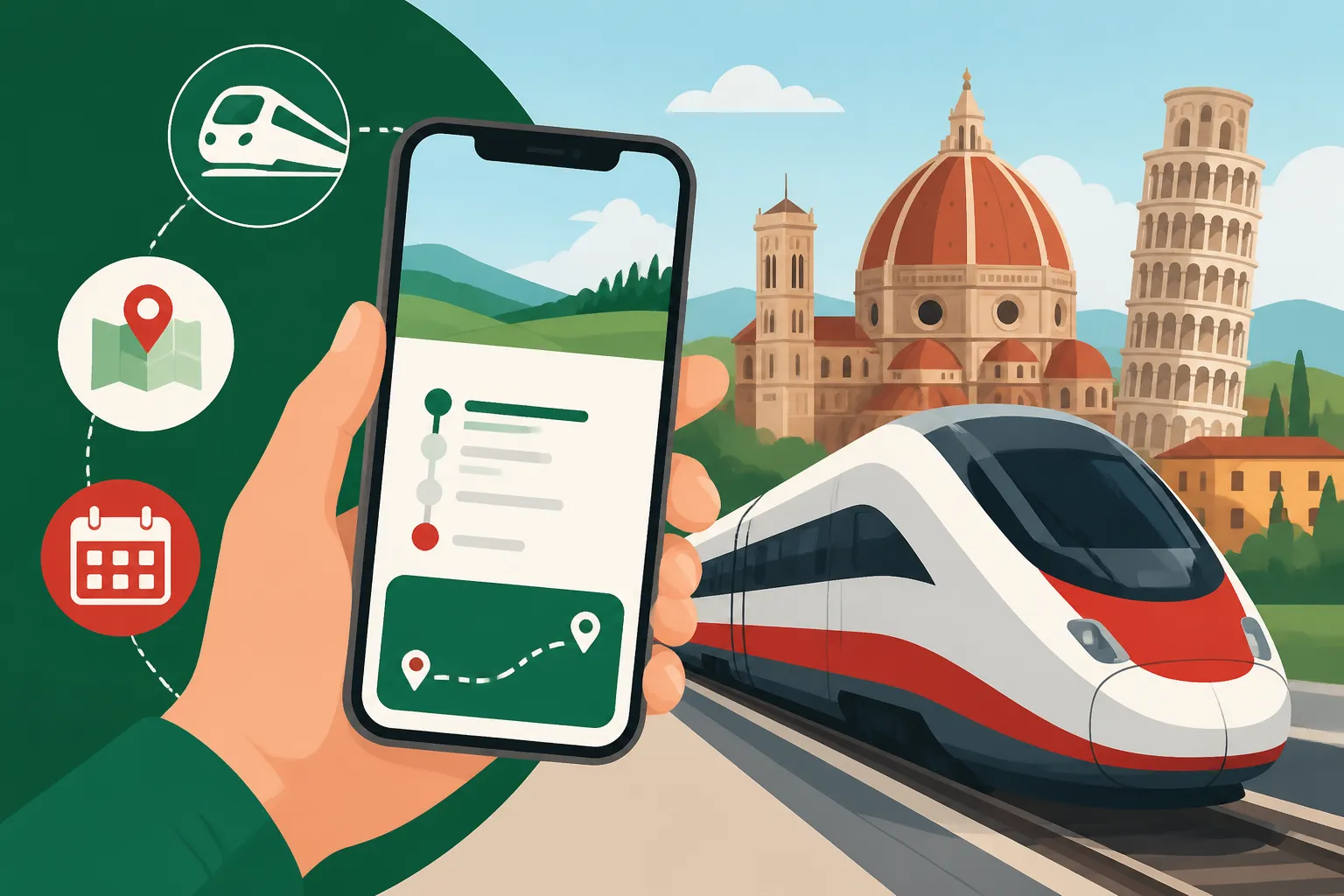
How to Use the Trenitalia App to Plan Train Travel
Navigating Italy's sprawling train network can feel like tackling a puzzle where half the pieces are missing, especially when you're faced with ticket machines that only speak Italian or the constant fear of forgetting to validate a paper ticket. It's a common source of stress for expats and tourists alike, but thankfully, there’s a modern solution that can make your train journeys much smoother: the official Trenitalia app. This guide is designed to walk you through every step of using the app, transforming your travel planning from a headache into a breeze.
Disclosure: This post may contain affiliate links. We may earn a commission at no extra cost to you if you make a purchase through these links. Read full disclosure.
Why the Trenitalia App is Your Best Friend in Italy
Before diving into the nitty-gritty, let's talk about why this app is such a game-changer. For anyone who has spent more than five minutes trying to decipher an Italian ticket machine or, worse, faced the wrath of a conductor for an unvalidated ticket, you know the struggle is real. The Trenitalia app isn't just about convenience; it's about peace of mind. It takes the guesswork out of an often confusing system, putting everything you need right in your pocket.
Ditching the Ticket Machine Drama: Convenience at Your Fingertips
Remember those long queues at the station, fumbling with cash or credit cards at a touch screen that decides to freeze right when you're about to confirm your purchase? Or perhaps the machine runs out of paper for your ticket? Those days can be largely behind you. The Trenitalia app allows you to purchase tickets for all types of Trenitalia services – from the high-speed Frecciarossa to the regional trains that connect smaller towns – directly from your smartphone.
Imagine you're enjoying an espresso at a local bar, decide on a whim to visit a nearby town, and within minutes, you've bought your ticket without ever needing to step foot inside a bustling train station. The app offers a seamless buying experience, saving you valuable time and sparing you from potential frustration. It also stores all your tickets digitally, meaning no more crumpled paper tickets or worrying about losing them. This digital convenience is especially helpful for those spur-of-the-moment day trips or when you’re navigating multiple legs of a journey. You can even use third-party apps like Omio or Booking.com to compare prices and routes, but for actual Trenitalia bookings and management, the official app is indispensable.
Real-Time Updates and Avoiding Fines: The Validation Nightmare Solved
One of the most common pitfalls for newcomers to Italian train travel is the ticket validation requirement. With paper tickets for regional trains, you must validate them in one of the small green or yellow machines on the platform before boarding. Failure to do so, even with a valid ticket, can result in a hefty fine. It's a rule that trips up countless tourists and even some expats who forget in a rush.
The Trenitalia app completely bypasses this archaic requirement for digital tickets. When you purchase a ticket through the app, it's automatically validated from the moment of purchase, or more accurately, it's valid for a specific period around your chosen departure time for regional trains, or for the exact time for high-speed services. You simply show the QR code on your phone to the conductor when they come by. This alone is a massive stress reliever. Furthermore, the app provides real-time updates on train departures, arrivals, and any delays. This feature is invaluable, especially during strikes (scioperi) or unexpected service interruptions, allowing you to react quickly and adjust your plans, rather than being left stranded on a platform, scratching your head. You can also track your train's progress, giving you an accurate idea of when you'll arrive at your destination.
Getting Started: Downloading and Setting Up Your Trenitalia App
Alright, ready to dive in? Getting the app up and running is straightforward, but there are a few initial steps and considerations to ensure a smooth start.
The Initial Download and Account Creation: A Few Bumps, But Worth It
First things first, head to your device's app store (Google Play Store for Android, Apple App Store for iOS) and search for "Trenitalia." Download the official app – it usually has the distinctive red Trenitalia logo. Once installed, open it up.
You'll quickly realize that to buy tickets and manage your journeys effectively, you'll need to create an account. This is where a small bit of patience might be required. The registration process asks for typical information like your name, email, and a password. However, it will also ask for your Codice Fiscale (Italian tax code). If you’re living in Italy, you absolutely should have one. If you’re just visiting, or don't have a Codice Fiscale yet, don't fret! You can use an online generator to create a temporary, valid one for registration purposes. Just search for "Codice Fiscale generator" and input your basic details like name, surname, birth date, and place of birth. This generated code is perfectly fine for app registration and buying tickets. Remember to save it somewhere accessible. This minor hurdle is often one of the first bureaucratic encounters for foreigners in Italy, so you're getting a taste of the local flavor early on! For those interested in understanding more about this essential identification number, you can learn about How to Get a Codice Fiscale in Italy (and Why You Need One).
Essential Settings and Personalization: Making the App Work for You
Once your account is set up, take a moment to explore the app's settings. You can usually find these in a menu icon (often three horizontal lines) or a "Profile" section.
Here, you can:
- Set your preferred language: While the app is available in English, sometimes after updates, it might revert to Italian. Double-check this setting.
- Manage payment methods: You can securely store credit card details to speed up future purchases. This is incredibly convenient when you’re booking on the go.
- Link your CartaFRECCIA (loyalty program): If you plan on traveling frequently on high-speed trains, joining the CartaFRECCIA program is a no-brainer. It allows you to earn points for every journey, which can then be redeemed for discounts or free tickets. You can easily link your card number to your profile in the app, ensuring all your purchases contribute to your points total. This can be a huge money-saver over time, especially if you're commuting or frequently exploring different parts of Italy.
Navigating the App: Booking Tickets Like a Pro
Now for the main event: booking your train tickets. The Trenitalia app is quite intuitive once you get the hang of its layout.
Searching for Your Journey: Routes, Dates, and Train Types
From the app's home screen, you'll usually see a prominent "Cerca e Acquista" (Search and Buy) or similar option.
- Departure and Arrival Stations: Start by entering your departure and arrival stations. The app has an intelligent search function that will suggest station names as you type. For example, if you're going to Rome, type "Roma Termini" (the main station). If you're not sure which station, just "Roma" will show you options.
- Date and Time: Select your desired travel date and, if you have a preference, a specific time. You can choose to view schedules for the entire day or narrow it down to morning, afternoon, or evening.
- Number of Passengers: Specify how many adults and children will be traveling.
- Train Type Filtering: After your initial search, the app will display a list of available trains. This is where you'll see the various types of Trenitalia services:
- Frecce (Frecciarossa, Frecciargento, Frecciabianca): These are Italy's high-speed trains, offering the fastest connections between major cities like How to Buy Trenitalia and Italo Tickets and Save Money. They come with various service levels (Standard, Business, Premium, Executive).
- Intercity: These trains connect larger cities but at a slower pace than the Frecce, making more stops. They are often a good balance between speed and cost.
- Regionale / Regionale Veloce: These are local and regional trains, stopping at almost every station. They are the slowest and cheapest option, perfect for short hops between nearby towns or when your destination isn't on a high-speed line. These are the ones where paper tickets must be validated.
The app allows you to filter by train type, which is super useful if you're on a budget (Regionale) or a tight schedule (Frecce).
Choosing Your Ticket: Fares, Classes, and Seat Selection
Once you've selected a specific train, you'll be presented with various fare options and service levels. This can be a bit overwhelming at first, but understanding the basics will save you money and headaches.
- Fares (Offerte):
- Base: This is the standard, most flexible fare. It allows changes to the ticket (date, time, route) before departure, usually for a fee plus any price difference. It's often the most expensive.
- Economy / Super Economy: These are discounted fares, often significantly cheaper, but come with stricter restrictions. Economy usually allows one change to the date/time before departure for a fee, while Super Economy is typically non-refundable and non-changeable. These are great if your plans are firm, but be wary if there's any chance they might shift.
- Speciale Frecce: Various special offers for Frecce trains, such as 2×1 (two people for the price of one), Famiglia (family discounts), or young/senior discounts.
- Service Levels (Classes): For high-speed trains, you'll choose between different service levels.
- Standard: Basic seating, perfectly comfortable for most journeys.
- Business: More spacious seating, often with a welcome drink and snack, and sometimes a dedicated quiet area.
- Premium: A step up from Standard, offering more legroom and sometimes a welcome drink.
- Executive: The highest class, featuring very spacious single seats, gourmet meals, and access to Frecciaclub lounges at major stations.
Carefully consider your needs. If you're traveling with kids or have a lot of luggage, Business or Premium might be worth the extra cost for the space and amenities. If you're backpacking and on a budget, Economy/Super Economy in Standard class is your go-to.
After selecting your fare and service level, the app will often give you the option to select your seat. This is a fantastic feature, allowing you to choose a window or aisle, or sit near friends if you're traveling in a group. It shows you a visual layout of the train car, making it easy to pick your preferred spot.
Payment and Confirmation: Securing Your Spot
Once you’re happy with your selection, you’ll proceed to the payment screen. The Trenitalia app supports various payment methods, including credit/debit cards (Visa, Mastercard, American Express) and PayPal. If you’ve saved a payment method in your profile, this step will be even quicker.
After successful payment, you'll receive a confirmation email, and your ticket will automatically appear in the "I Miei Viaggi" (My Trips) or "Biglietti" (Tickets) section of the app. This digital ticket will contain a QR code or PNR (Passenger Name Record) which is what you'll show to the conductor. It's truly as simple as that. No need to print anything or validate anything – your phone is your ticket!
Beyond Booking: Managing Your Trips and Staying Informed
The Trenitalia app is more than just a booking tool; it's a comprehensive travel companion. It helps you manage existing tickets, stay updated on train statuses, and even make changes if your plans shift.
Your Digital Wallet: Accessing Tickets and Presenting Them
All your purchased tickets are neatly stored in the "I Miei Viaggi" section of the app. This acts as your digital wallet for train travel. When a conductor comes around, simply open the app, navigate to your active ticket, and present the QR code on your screen. The conductor will scan it, and you're good to go.
A common scenario: you're traveling on a regional train that might have multiple stops. If you have a digital ticket, it's valid for a certain window around your selected departure time. This means if you miss your specific regional train, you can usually take the next one within that window without issue. However, for high-speed Frecce trains, your ticket is strictly for the time and seat booked. Always double-check the specifics of your ticket type. The app simplifies this by clearly displaying all the relevant information for each ticket.
Checking Train Status and Departures: Live Updates
One of the most valuable features for anyone frequently traveling by train is the real-time train status. On the home screen, there's usually a "Stato Treno" (Train Status) or "Partenze/Arrivi" (Departures/Arrivals) section.
You can input your train number (found on your ticket or the station departure boards) or simply select your departure station. The app will then show you:
- Real-time status: Whether the train is on time, delayed, or cancelled.
- Platform number (Binario): Crucial information, especially in larger stations like Roma Termini or Milano Centrale where platforms can change.
- Intermediate stops: For regional trains, this helps confirm you're on the right service.
- Delay reasons: Sometimes, it even provides a reason for the delay, though it might be in Italian.
This feature is particularly useful if you have a connecting train or if you're meeting someone at the station. Knowing your train is delayed before you even leave your hotel can save you a lot of waiting around. You might also find other apps like GetYourGuide useful for booking tours and activities at your destination, but for train specifics, Trenitalia is king.
Changing or Cancelling Tickets: The Nitty-Gritty Details
Life happens, and plans change. The app allows you to modify or cancel tickets, though the flexibility depends entirely on the fare you purchased.
- To change a ticket: Go to "I Miei Viaggi," select the ticket you wish to change, and look for an option like "Cambia Viaggio" (Change Trip) or "Gestisci Biglietto" (Manage Ticket). You'll typically be able to change the date, time, and sometimes even the route, subject to the conditions of your fare. Be prepared to pay a change fee and any difference in price if the new ticket is more expensive.
- To cancel a ticket: Similarly, within the "Manage Ticket" section, you might find a "Annulla Viaggio" (Cancel Trip) option. Refund eligibility is strictly tied to your fare type. Super Economy tickets are generally non-refundable. Economy tickets might offer a partial refund or a voucher, while Base tickets offer the most flexibility for refunds, often with a cancellation fee. Always check the terms and conditions when purchasing, especially for those highly discounted fares!
Keep in mind that changes and cancellations usually need to be done before the train's scheduled departure. Attempting to modify a ticket after the train has left is generally not possible.
Troubleshooting Common Issues and Pro Tips
Even with the best technology, sometimes things go awry. Here’s what to do when the Trenitalia app throws a curveball, along with some seasoned advice to make your train travel even smoother.
What to Do When the App Acts Up: Offline Access and Customer Service
It happens: your phone battery dies, you lose signal, or the app glitches. Don't panic!
- Screenshot your ticket: As a veteran expat, I always recommend taking a screenshot of your QR code or PNR for critical train journeys. This provides a backup in case the app doesn't load or your internet connection fails. You can usually still present the screenshot to the conductor.
- Offline access: The "My Trips" section often stores tickets offline once loaded, so you might still be able to access them even without data.
- Customer Service: If you encounter a serious issue (e.g., a payment error, or you can't access a ticket), Trenitalia has customer service options. You can usually find a "Contatti" (Contacts) or "Assistenza" (Assistance) section in the app or on the Trenitalia website. They have a toll-free number (often 892021 from Italy) and sometimes online chat support. Be prepared for communication in Italian, though English-speaking agents are sometimes available. For more general travel issues, or just good company on your journey, consider engaging with other expats through Connecting with Expat Communities in Italy.
- Station staff: In an absolute pinch, head to a customer service desk at a major train station (look for "Assistenza Clienti" or "Biglietteria") and explain your situation. They can often help retrieve tickets using your name and PNR.
Making the Most of Trenitalia: Loyalty Programs and Special Offers
Beyond just buying tickets, the app can help you leverage loyalty programs and special offers to save money.
- CartaFRECCIA: As mentioned, link your CartaFRECCIA card to your profile. This is Trenitalia's loyalty program, and points accumulate with every euro spent on Frecce, Intercity, and even some regional tickets. Points can be redeemed for discounts, free tickets, or other perks. The app often makes it easier to track your points and available rewards.
- Promotions and Discounts: Keep an eye on the "Offerte" (Offers) section of the app. Trenitalia frequently runs promotions, especially for off-peak travel or group bookings. These can be seasonal 2-for-1 deals, discounts for early booking, or special rates for families or seniors. Subscribing to their email newsletter (which you can do through the app or website) can also alert you to these deals.
- Integrated Services: The app sometimes offers integrated solutions, such as train + bus connections or even city passes. Always check if these combined offers make sense for your specific itinerary. Understanding Getting Around Italy: Trains, Buses, Flights, and Car Hire will give you a broader perspective on your transport options.
Using the Trenitalia app effectively transforms train travel in Italy from a potential source of anxiety into a remarkably simple and efficient experience. It truly puts the power of planning and managing your journeys right at your fingertips, letting you focus more on enjoying the beautiful country and less on bureaucratic hurdles.
| Train Type | Speed | Cost | Booking Flexibility (Base Fare) | Validation Required (Paper Ticket) | Ideal Use Case |
|---|---|---|---|---|---|
| Frecciarossa | Very High-speed | High | Flexible | No | Major city-to-city, fast travel |
| Frecciargento | High-speed | High | Flexible | No | Major city-to-city, slightly fewer routes |
| Frecciabianca | Medium-High speed | Medium-High | Flexible | No | Coastal routes, connecting larger towns |
| Intercity | Medium speed | Medium | Flexible | No | City-to-city, more stops, scenic routes |
| Regionale | Slow speed | Low | Flexible for date/time window | Yes | Short distances, local towns, budget travel |
| Regionale Veloce | Medium-Slow speed | Low | Flexible for date/time window | Yes | Connecting regional hubs, fewer stops than Regionale |
Knowing the ins and outs of public transport is vital, and the app is your portal to a smoother journey. Whether you're making a quick hop or embarking on a grand tour, understanding Getting Around Italian Cities: Metro, Tram, and Buses can complement your train travels perfectly. And if you're ever venturing further afield, or exploring various options, remember to check High-Speed Trains in Italy: Trenitalia, Italo, Routes, and Savings for comparative insights. For those just starting their Italian adventure, nailing down essentials like how to use the app is as important as figuring out Italian Customs, Etiquette, and Social Life. Don't forget, managing your digital life extends to your finances too, so consider how your spending on tickets fits into your overall Cost of Living vs Salary: Budget Tips for Italy Expats.
Disclaimer
The information provided in this guide is for general informational purposes only and is subject to change. While we strive to keep the content up-to-date and accurate, app features, terms, conditions, and fares of Trenitalia can change without prior notice. Always refer to the official Trenitalia website or the app for the most current and specific information. Always ensure you understand the terms of your ticket before purchasing, especially regarding changes and cancellations.